
QuickBooks
Manually add Tax Rates in QuickBooks Online
In this article
In this article, you will learn how to correctly add Tax Rate in QuickBooks so it will be in sync with Tax Rate in BizBaby.

BizBaby automatically creates tax rate in Stripe and QuickBooks when it’s added in BizBaby, so that all of your invoices and appointments are in sync on each platform. However, sometimes this needs to be done manually. Let’s see how this is done in QB.
Adding Customer Tax Rate
Here are the steps to creating a Tax Rate in QuickBooks Online.
Editing Tax Rates
In order to make it easier to work with Stripe payments and deposits on QuickBooks, BizBaby creates a virtual bank account in your QB that represents your account in Stripe where you receive funds before they are transferred to your business account.
You can edit names of Tax Rates in both platforms as you wish, edit year at the end for better visibility and understanding which tax rate is the current one.
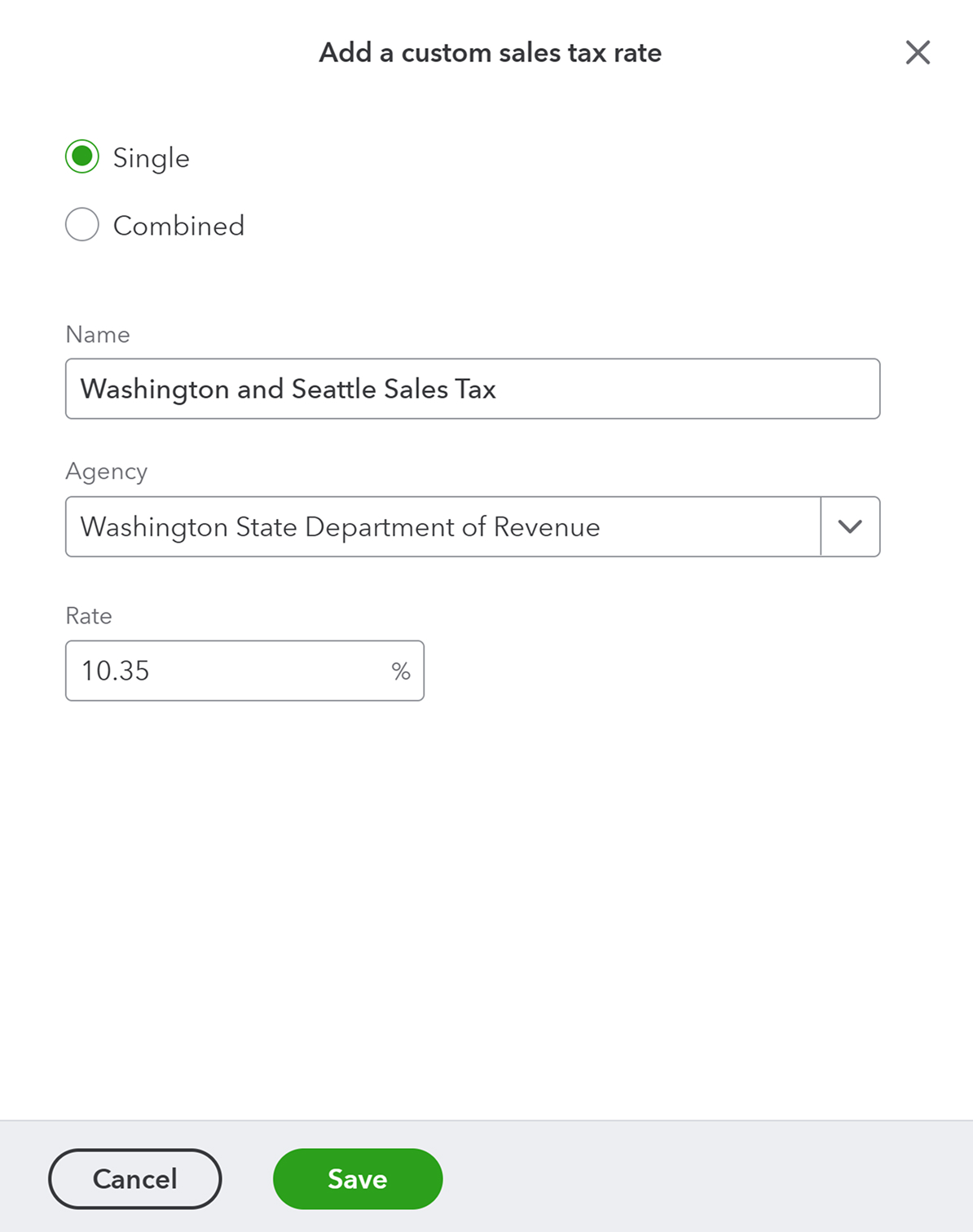
Checking BizBaby Tax Rate
Was this article useful?
Knowing what to charge is step one
First 3 months free. No card required. Bring the whole team.
Start Free Trial Back to Login